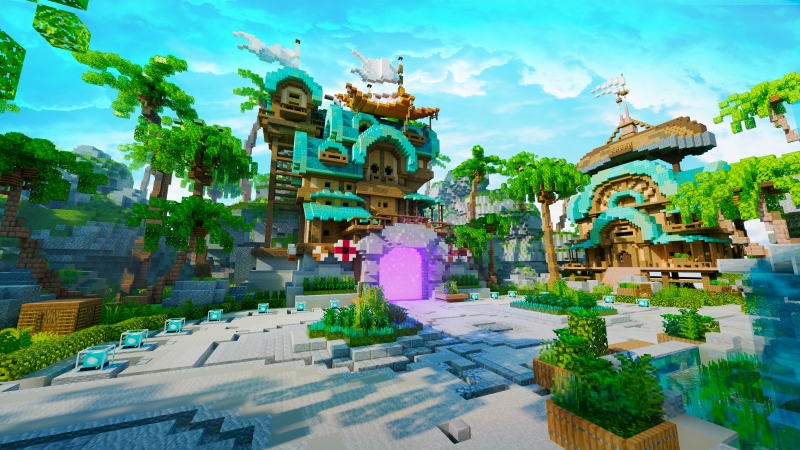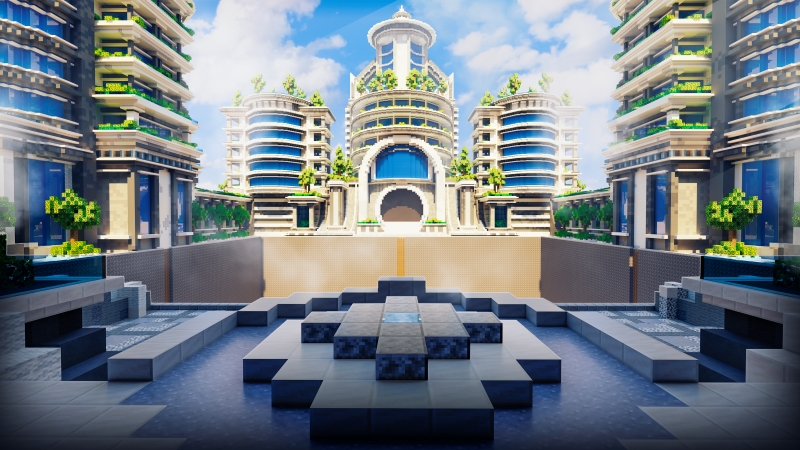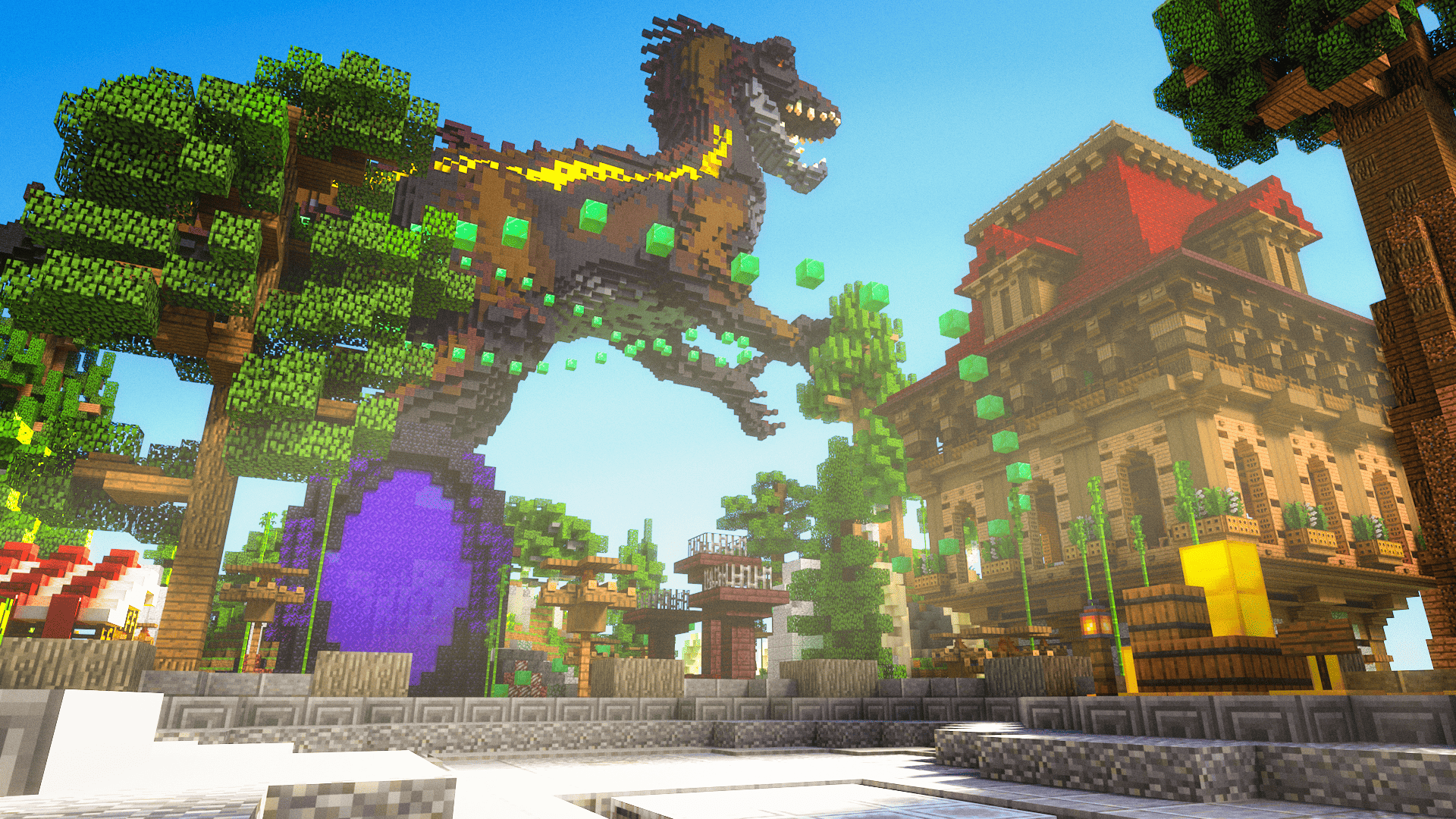
One of the biggest mistakes new server owners make? Designing a map that can’t grow with them.

Your community will evolve. New gamemodes will be added. Seasonal events will come and go. If your server map is too rigid, every new addition becomes a painful retrofit.
The solution? Modular map design. It’s the future-proof approach that keeps your server scalable, flexible, and ready for whatever you throw at it next.
What Modular Design Means in Minecraft
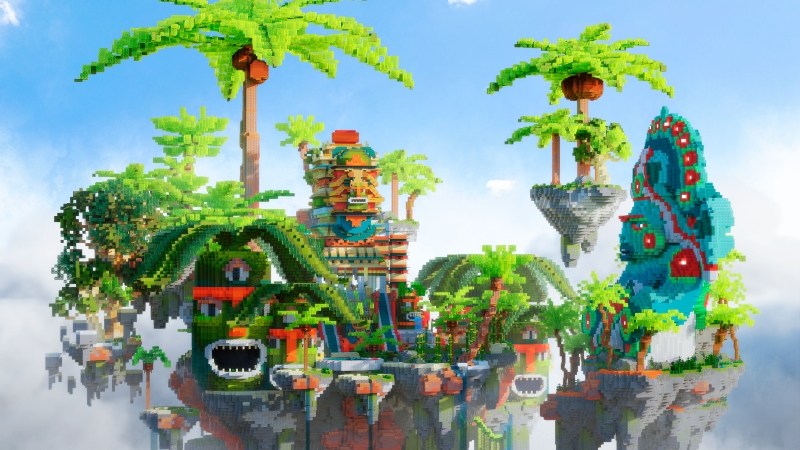
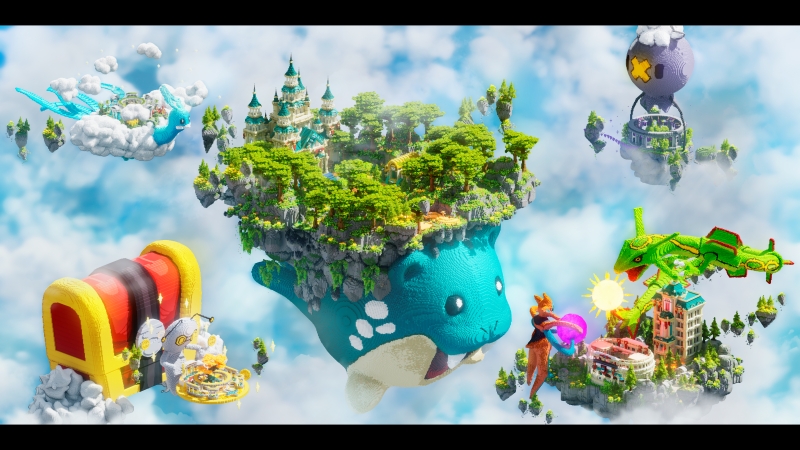
A modular map isn’t just one big chunk of terrain. It’s a network of purpose-built zones, each designed to work on its own and together.
Key Modular Features:
- Split Into Zones: Survival areas, PvP arenas, parkour tracks, and event hubs are separated but visually connected.
- Add-On Friendly: You can plug in a new minigame, seasonal area, or custom build without breaking existing paths or designs.
- Expansion-Ready Hubs: Central lobbies that include obvious spots for future warps, portals, or roads to new areas.
Think of it like a town that can become a city, one neighborhood at a time.
Why Modular Maps Are Essential for Growing Servers
Server growth doesn’t have to mean redoing everything. With modular design, adding new content becomes a natural part of the world.
1. Easier Updates
- Want to launch a new quest zone or parkour course? Just hook it into an existing path or portal.
- Need to swap a minigame? Replace the section without impacting others.
2. Faster Feature Rollouts
- Add holiday events, player shops, or plugin showcases in pre-zoned spaces
- Surprise players with quick additions that feel intentional, not slapped on
3. Keeps Players Curious
- Visible, blocked-off paths tease future expansions
- Empty buildings or gated districts build anticipation
- Rotating zones (like a seasonal town square) give returning players something fresh
Modular servers feel alive—always evolving, always growing.
How to Plan a Modular Server Map
Designing modularly isn’t harder—you just have to think ahead.
1. Start With a Central Hub
This is your anchor point. From here, players should be able to:
- Access major zones (PvP, survival, events)
- Return to spawn easily
- See hints of what’s coming next
2. Use Scalable Pathing
Lay down roads, bridges, or teleport pads that can lead to future content. Don’t box yourself in with symmetrical layouts that leave no space to grow.
- Natural curves > rigid grids
- Decorative gates > blank walls
- Open-air transitions > teleport-only areas
3. Leave Room to Build
Plan for:
- Empty plots for holiday builds or player markets
- Unused mountain paths or forest trails for quests
- Event stages or bulletin boards near spawn
Future you will thank past you.
Start with a Keystone Map Designed to Grow With You
At Keystone Builds, we don’t just build beautiful maps—we build flexible worlds made for growth.
Our pre-built maps feature:
- Central hubs with natural expansion points
- Themed zones that connect intuitively
- Open design for future minigames, events, or seasonal areas
Whether you’re planning your first world or your fifth expansion, start with a map that grows with your server.
Build smart. Build scalable. Start with a modular map from Keystone Builds.