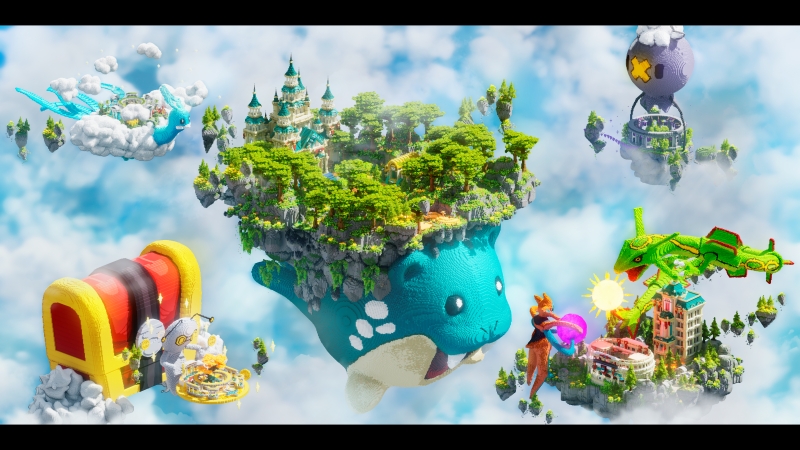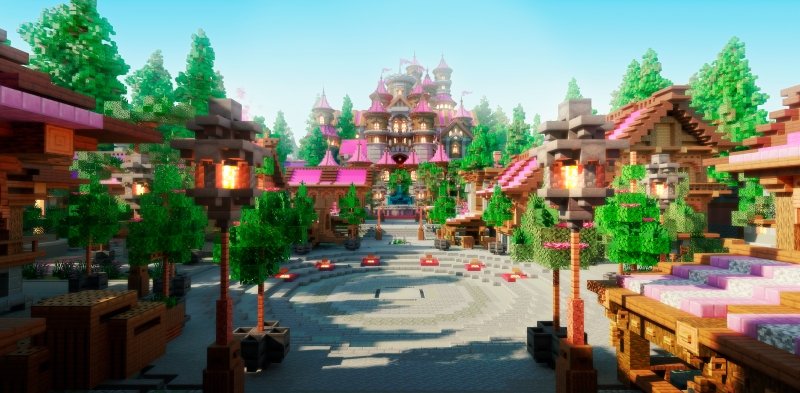
When a new player joins your Minecraft world, they make their first judgment in seconds. Before they explore, build, or even open chat, they form an impression of your server based on one place — your player-friendly Minecraft spawn.

Your spawn area is more than a landing zone. It’s your handshake, your welcome mat, and your world’s first story all rolled into one. If it’s confusing or empty, players lose interest fast. But when it’s intuitive, bright, and inspiring, they stay, explore, and invest in your community.
This guide will show you how to design a player-friendly Minecraft spawn that makes a powerful first impression from day one. Whether you’re building from scratch or customizing a pre-made hub, these tips will help you create an environment that’s clear, engaging, and unforgettable.
Your Spawn Is Your Handshake
Think about every time you’ve joined a new Minecraft server. You spawn in… and immediately start scanning:
Where do I go? What’s allowed here? How do I start?
If players can’t answer those questions within ten seconds, you’ve already lost them. That’s why designing a player-friendly Minecraft spawn is less about beauty and more about clarity.
A great spawn sets tone, mood, and direction. It tells players where they are and what they can do — without them needing to ask or guess. Your design should say: “Welcome! You belong here, and here’s how to begin.”
When done right, your spawn becomes the emotional and navigational anchor of your entire world.
What Makes a Spawn Player-Friendly
So what separates a breathtaking yet frustrating spawn from a functional, player-friendly Minecraft spawn that keeps players coming back? It’s not size or complexity — it’s usability.
Here’s what defines a truly welcoming spawn experience.
Intuitive Layout
Your layout should make sense instantly. Players shouldn’t need a map, a tutorial, or a Discord guide just to figure out where to go. Keep it simple:
- The main paths should lead naturally to key destinations like shops, warps, and portals.
- Use clear sightlines — players should see where to go next, not wander aimlessly.
- Balance aesthetics with flow. Beautiful builds are great, but clarity always comes first.
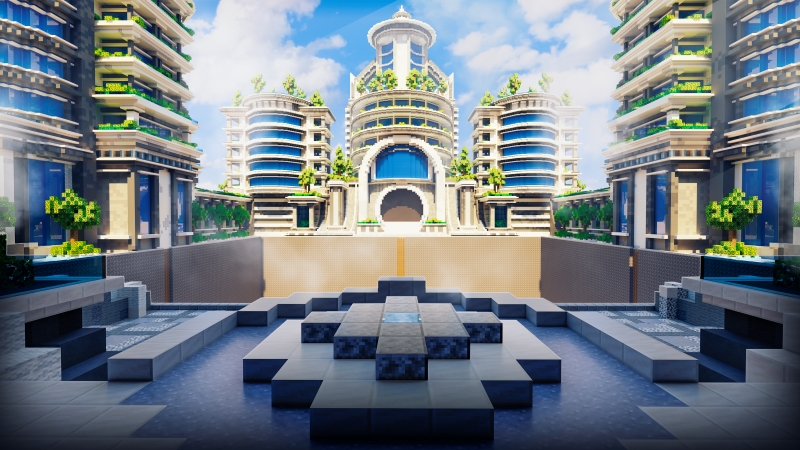
An intuitive player-friendly Minecraft spawn allows players to orient themselves at a glance, which drastically improves first-time retention.
Lighted Paths and Clear Exits
Lighting is one of the most underrated design tools. Bright, well-lit spawn areas subconsciously feel safer and more polished.
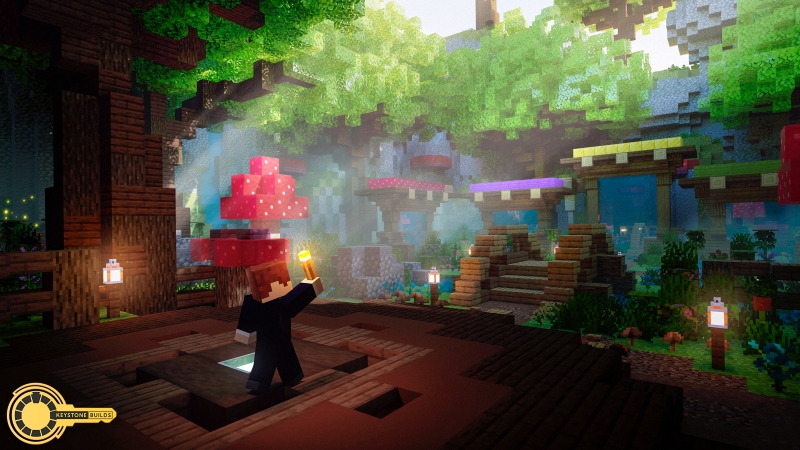
Use torches, lanterns, or glow blocks to mark main roads, corners, and signposts. Path lighting not only prevents mob spawns but also acts as visual guidance — players instinctively follow the light.
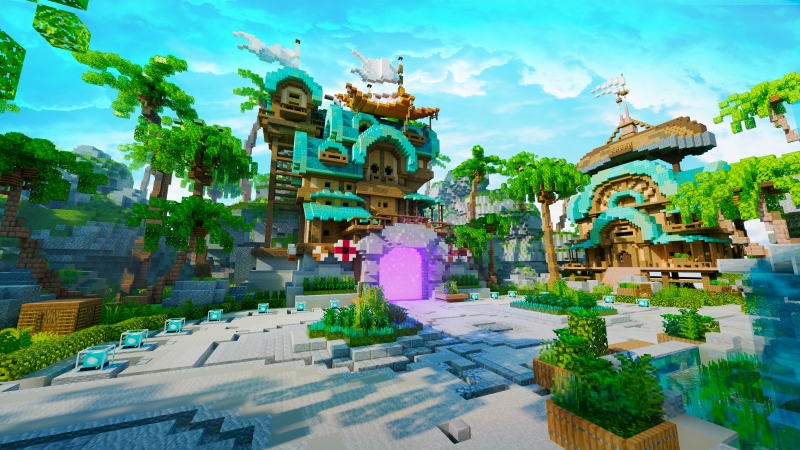
Clear exits are just as important. If your spawn feels like a maze, players will leave before they ever experience the rest of your world. Define exits with signs, arches, or pathways that visually “point” outward.
Accessibility of Warps, Shops, and Portals
Players shouldn’t have to run half a kilometer to find the essentials. A player-friendly Minecraft spawn keeps everything within comfortable walking distance:
- Warp portals and fast-travel options close to spawn
- Shop stalls or NPC merchants visible from the main area
- Portals labeled with clear icons or item frames
Keep in mind: accessibility doesn’t mean clutter. Group related functions in themed zones — like a marketplace plaza, a quest hub, or a transport tower — and connect them with natural walkways.
Common Mistakes to Avoid
Even experienced builders fall into traps when designing a spawn. Many of these mistakes come from focusing on aesthetics over usability. To truly craft a player-friendly Minecraft spawn, keep these pitfalls in mind.
Overly Massive, Empty Spaces
Big isn’t always better. Huge spawn areas might look impressive in screenshots but often feel lifeless in gameplay. Empty plazas and vast lobbies make new players feel small, confused, and disconnected.
Instead of sprawling size, aim for density and purpose. Every corner should do something — whether it’s an information board, a shop stand, or a decorative focal point. Create interest without overwhelming players.
Lack of Signage or Guidance
Even the most beautiful spawn fails if players don’t know where to go. A few signs or holographic displays go a long way. Label key zones like “Shops,” “Portals,” or “Tutorials.”
Make sure text is visible from a distance and use short, clear phrasing. Avoid overwhelming walls of text — your players won’t read them. A player-friendly Minecraft spawn guides players with subtlety, not clutter.
Poor Lighting and Navigation
Dimly lit spawns feel unsafe and confusing, especially for new players joining at night. Without lighting cues, paths blur together and exits become hard to find.
Use a mix of glowstone, lanterns, and ambient effects to make your paths stand out. You can even use colored lighting or block palettes to differentiate areas — for example, warm tones for markets, cooler ones for portals.
A simple test: log in as a new player at night. If you can’t instantly find your way to the main areas, your spawn needs better lighting and flow.
Extra Touches That Improve the Experience
Once your structure is solid, you can take your player-friendly Minecraft spawn to the next level with thoughtful design details. These little additions transform a functional area into a memorable experience.
Starter Gear Chest
Nothing says “welcome” like a small gift. A chest with basic tools, food, or armor helps players start confidently. It’s a simple way to make them feel valued and prepared.
Consider restocking automatically with plugins or command blocks. If your server has ranks, you can even tailor rewards by player tier.
Tutorial Area or Rules Wall
Even if you have written rules elsewhere, having them visible in-game makes a huge difference.
A rules wall near spawn reinforces expectations and prevents confusion later on. Combine this with a short tutorial path or onboarding area where new players can learn server commands and etiquette.
This practical feature strengthens the sense of order — a key component of any player-friendly Minecraft spawn.
Aesthetic Harmony
Beyond structure, atmosphere matters. Choose a consistent color palette and block style that matches your server’s theme — medieval, futuristic, fantasy, or minimalist. Add small touches like ambient soundscapes, particle effects, or music discs to immerse players the moment they arrive.
Remember: players don’t just look at spawns — they feel them. When form and function align, your spawn becomes a lasting memory rather than a passing location.
Skip the Guesswork with a Pro-Level Spawn
Designing a player-friendly Minecraft spawn takes time, testing, and a deep understanding of how players move through spaces. Every path, sign, and lighting cue shapes how people experience your server. If you want to skip the trial and error, you can start with something built to perfection.
At Keystone Builds Collections, you’ll find pre-built spawn hubs crafted by professional designers who understand player psychology and server flow. Each map is tested for navigation, clarity, and first-time retention — ensuring your players always know where to go and what to do.
Our spawn hubs feature:
- Intuitive paths that guide players naturally
- Designated areas for ruleboards, warps, and shops
- Balanced lighting and color schemes for optimal readability
- Aesthetic appeal that instantly defines your server’s brand
You don’t need to reinvent the wheel. With a player-friendly Minecraft spawn from Keystone, you can start strong from day one and focus on growing your community instead of fixing layout problems.
Your spawn is your world’s first impression. Make it one worth remembering — clean, intuitive, and inspiring.
Explore our ready-to-use hubs today at Keystone Builds Collections and see how professional design can transform your server into a welcoming home for every player.
Because every great server begins not with commands, but with a player-friendly Minecraft spawn that feels like it was made just for them.