Ever walked through a Minecraft server and felt… nothing? No direction, no curiosity, no reason to explore? That’s the result of what we call “empty build syndrome.”

Sure, the buildings might be beautiful. The walls might be textured. The roofs might have perfect gradients. But if your players don’t know where to go, what to do, or why something matters, they won’t stick around. They’ll log off.
This post is all about intentional design. We’re going to break down how every part of your server map can have meaning—and how that boosts engagement, retention, and gameplay clarity.
The Problem with “Empty Build Syndrome
Minecraft builders are creative by nature. But creativity without purpose leads to spaces that feel hollow.
Here’s how it usually looks:
- A giant cathedral near spawn… but nothing happens inside.
- A beautiful floating island… with no access point.
- Dozens of buildings in a town… all empty or locked.
These might look good in screenshots, but they create frustration for players.
What Goes Wrong:
- Players wander aimlessly without understanding which direction to go.
- Important features get ignored because they’re hidden behind pretty (but useless) structures.
- Server performance takes a hit trying to load chunks of unused, oversized areas.
Players don’t just need eye candy. They need meaning.
Designing for Functionality
Let’s fix that. Purposeful server design starts by giving every zone a role.
1. Assign Purpose to Every Build
Ask: What does this area do for the player?
- Is it a warp hall to travel across worlds?
- Is it a quest hub with NPCs and tasks?
- Is it a PvP gate that transitions into a battle zone?
Every structure should serve a gameplay, navigation, or social function.
2. Use Flow Maps to Guide Movement
A flow map is a planning technique where you sketch how players will move through your world.
- Use wide paths from spawn that branch into key areas.
- Frame portals and warps in visible, intuitive spots.
- Highlight zones of activity (marketplace, arena, events) with visual anchors like color or elevation.
3. Reduce Decorative “Dead Zones”
We get it—you love to build. But resist the urge to fill every chunk with sprawling decor unless it enhances gameplay.
- Instead of 5 empty houses, build 1 interactive inn with a purpose.
- Don’t just add space—add stories, signs, or interactions.
- Use barriers, signs, or natural terrain to keep players on track and focused.
Structuring Progression Through Your Server Map
Players love to feel like they’re going somewhere. That their time on the server means something. You can help by designing spaces that show progression.
1. Unlockable Areas
Don’t throw the whole world at your players from minute one.
- Start with a small hub
- Unlock new wings (shop zones, high-level arenas, special events) as they progress
- Use plugins to gate entry by rank or achievement
This turns the map into a storyline, not just a setting.
2. Tiered Zones
Create clear tiers of gameplay:
- Starter Zone: safe, welcoming, light colors, simple paths
- Intermediate Zone: more challenge, denser layout, slightly darker tones
- Advanced Zones: complex layouts, dangerous aesthetics, rich rewards
Use design language to indicate difficulty or status:
- Red torches = danger
- Diamond blocks = reward
- Ruins = mystery and lore
3. Visual Cues for Player Guidance
Don’t rely on signs alone. Your builds should speak:
- Stairs going up = importance
- Broken paths = mystery
- Statues = landmarks and memory cues
All of this makes your world more intuitive and immersive.
Real Examples from Keystone Maps
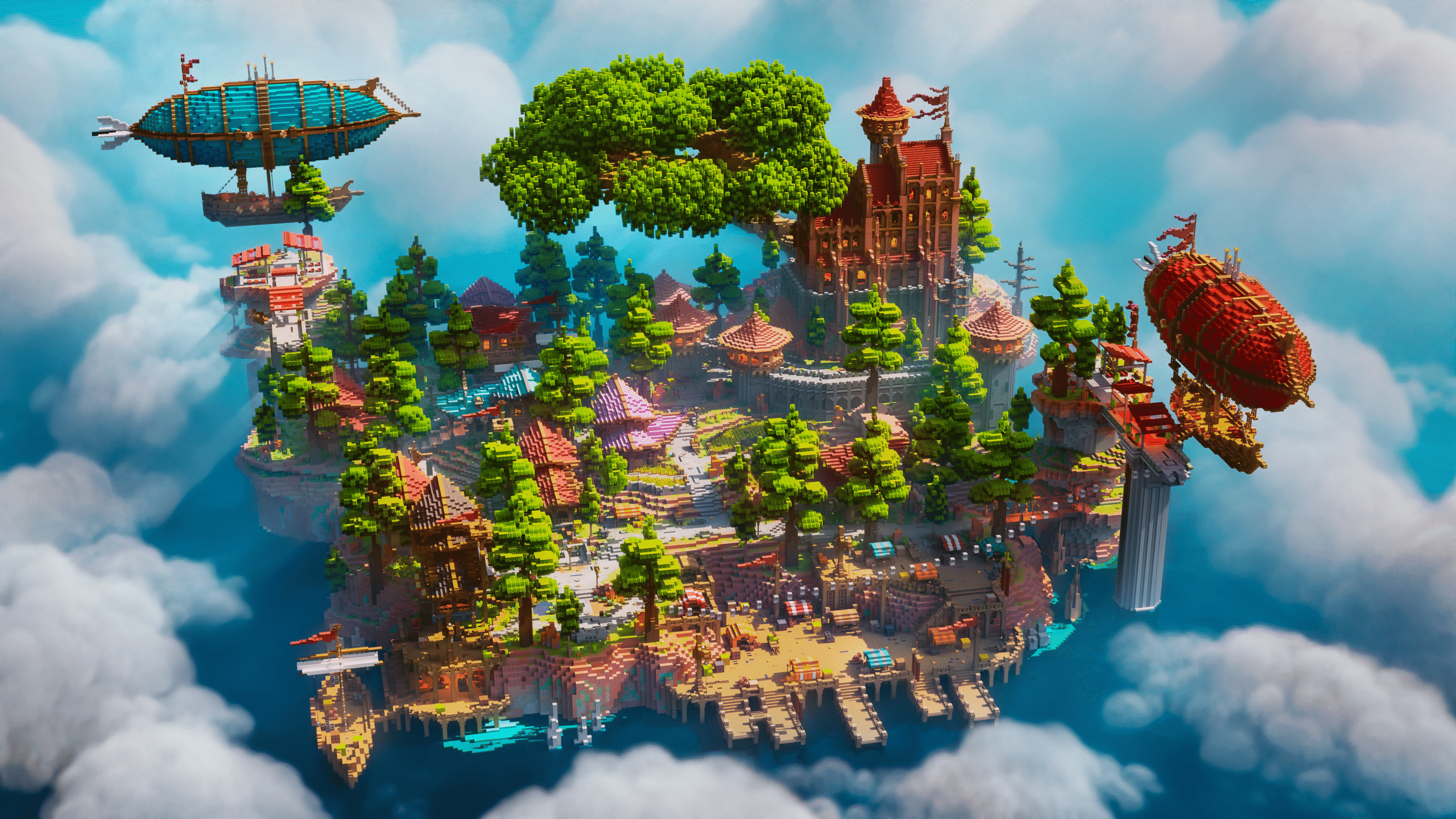
At Keystone Builds, we don’t just build pretty lobbies—we build gameplay-focused environments that serve real server needs.
Example 1: Modular Spawn Hub
- Central plaza with four color-coded exits
- Each exit leads to a different game mode: survival, PvP, minigames, events
- Player onboarding via glowing signs and NPCs
Example 2: PvP Arena Town
- Spawn plaza surrounded by PvP gates
- Each gate leads to a different arena with scaling difficulty
- Leaderboards and spectating balconies to build community pride
Example 3: Story-Driven RPG Map
- Progression-based layout with unlockable regions
- Quest NPCs placed inside functionally designed houses
- Environmental storytelling through ruins, paths, and artifacts
Every block we place has a reason. Form follows function.
Choose Maps Designed with Gameplay in Mind
You don’t have to design all of this from scratch. That’s what we’re here for.
Keystone Builds offers:
- Pre-built spawns with layout logic and flow
- Themed hubs where every zone has a purpose
- Optimized arenas, towns, and minigames that balance looks and usability
All our maps are made with player psychology, retention, and fun in mind. They’re not just screenshots. They’re spaces that keep people playing.
Browse our latest maps to see how design with purpose can transform your server.