The moment a player spawns into your server, they’re silently asking:
- Where am I supposed to go?
- What can I do here?
- Am I excited to explore this place?

Your layout answers those questions before chat, commands, or signs ever do. That’s why creating flow between spawn, shops, and portals isn’t just a nice touch—it’s essential for keeping players engaged and immersed.
If the path forward is clunky or confusing, players bounce. But if your world invites them to explore, they stick around.
Let’s explore how to master that flow.
The Concept of Spatial Flow in Minecraft
Spatial flow is about how players naturally move through a world. In Minecraft, players instinctively follow certain environmental cues:
What Players Follow:
- Lighting: Lanterns, glowstone, and torches draw players in
- Elevation: Downward stairs = deeper exploration; upward = discovery
- Paths: Gravel, carpet, or textured roads are read as movement zones
Why Flow Matters:
- It creates immersion by making the world feel intentional
- It reduces friction by eliminating confusion
- It builds trust that your server is well-designed and worth investing time in
The best Minecraft servers guide players without needing a single line of text.
Common Flow Problems
Even beautiful builds can fall flat if they don’t guide players effectively. Here are some frequent missteps:
1. Dead Ends Near Spawn
If a player takes three steps from spawn and hits a wall or an unclear turn, they feel boxed in. Dead ends = dropped interest.
2. Too Many Signs, Not Enough Direction
Information overload at spawn is a real issue. If everything is explained through signs, players skim or ignore. Clear visual cues beat walls of text every time.
3. Portals or Warps Are Hard to Find
If your portals to survival, minigames, or events are hidden in weird corners, players won’t use them. Out of sight = out of mind.
Fixing Flow with Smart Design
Luckily, flow is easy to fix if you design with it in mind from the start (or upgrade your current layout).
1. Use Symmetry and Layering
- Symmetry helps with mental mapping. Players remember a place that feels balanced.
- Layered builds (stairs, terraces, towers) make areas feel rich without being chaotic.
2. Add Subtle Walkways and Lighting
- Use distinct block paths to define movement
- Add lanterns or glow blocks to light the way subtly
- Frame portal areas with archways or changes in floor texture
3. Position Shops Around Spawn
Don’t hide shops in some back-alley district. Instead:
- Cluster them within sight of spawn
- Use signs sparingly and decoratively (item frames, hanging signs)
- Encourage exploration without requiring it
Think like a theme park designer: the player should always feel like they’re about to see something cool.
Use Maps That Guide Players Without Words
You don’t have to become a master builder to get spatial flow right—you just need a map that does the thinking for you.
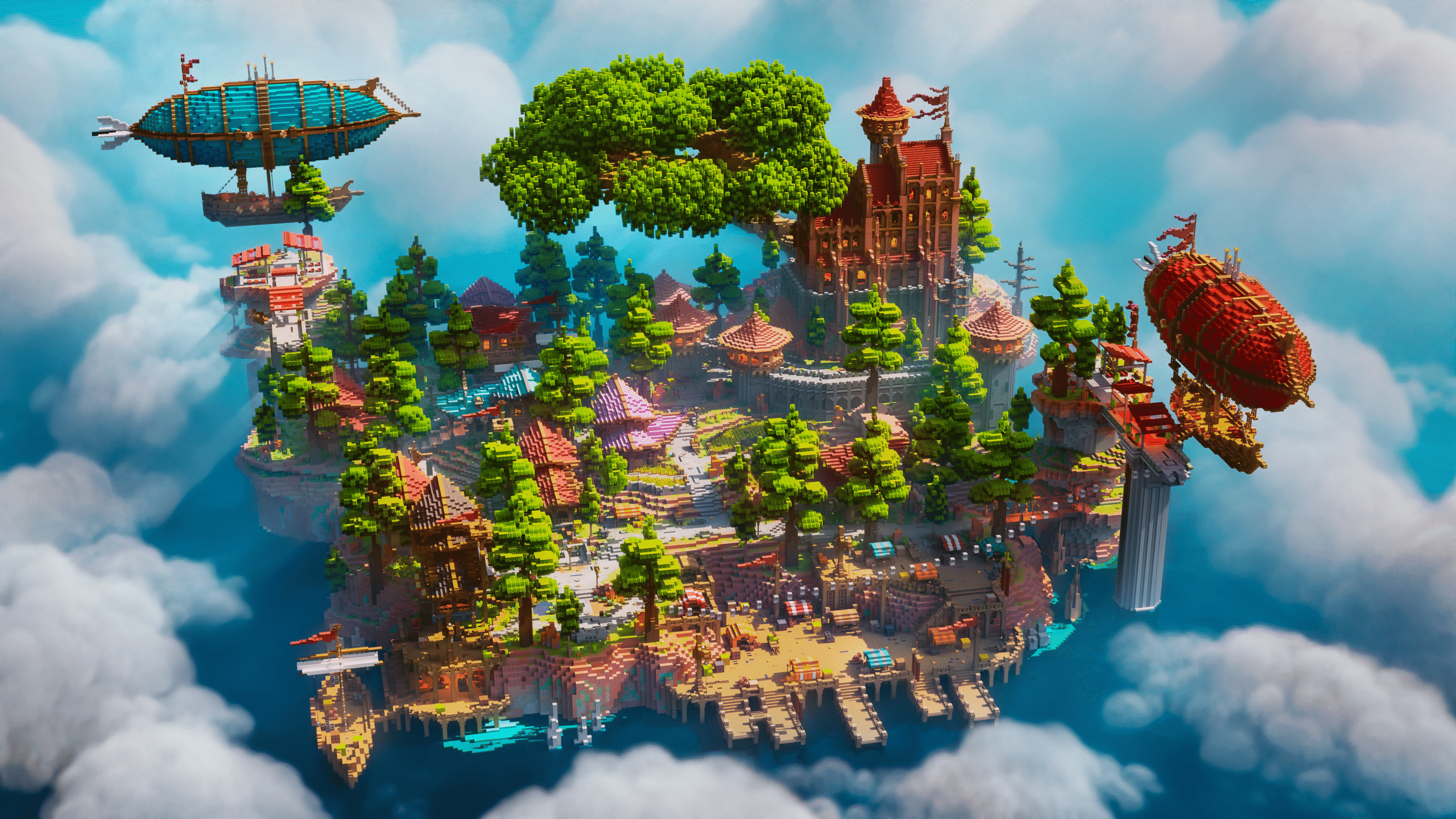
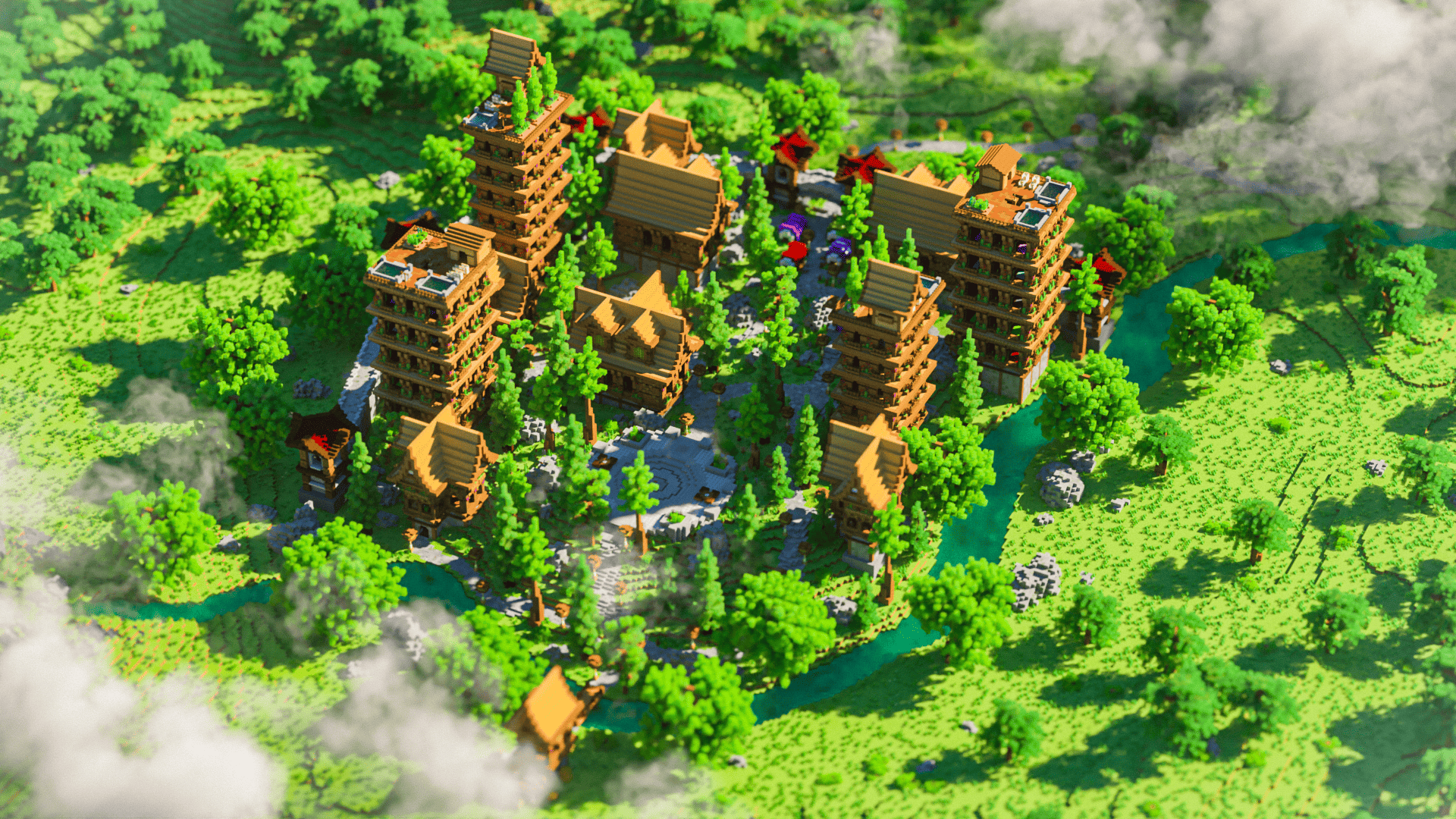
At Keystone Builds, our pre-built maps are designed with player movement in mind, featuring:
- Natural walkways between spawn, shops, and portals
- Landmark-based layouts that feel familiar and exciting
- Balanced use of lighting, space, and elevation to guide players
Skip the signage overload and give your players a world that makes sense from the moment they log in.